JS Loop Mutator
JS Loop Mutator is an Ableton Live Extension for turning audio clips into new mutated loops. It opens directly from an audio clip, slices the source material, rearranges and processes the slices with pattern lanes, and exports the result back into Ableton Live.
The workflow is simple: right-click an audio clip, launch JS Loop Mutator, choose a slice length, randomize or edit the pattern lanes, preview the result, and export a new loop. The original clip is left untouched.
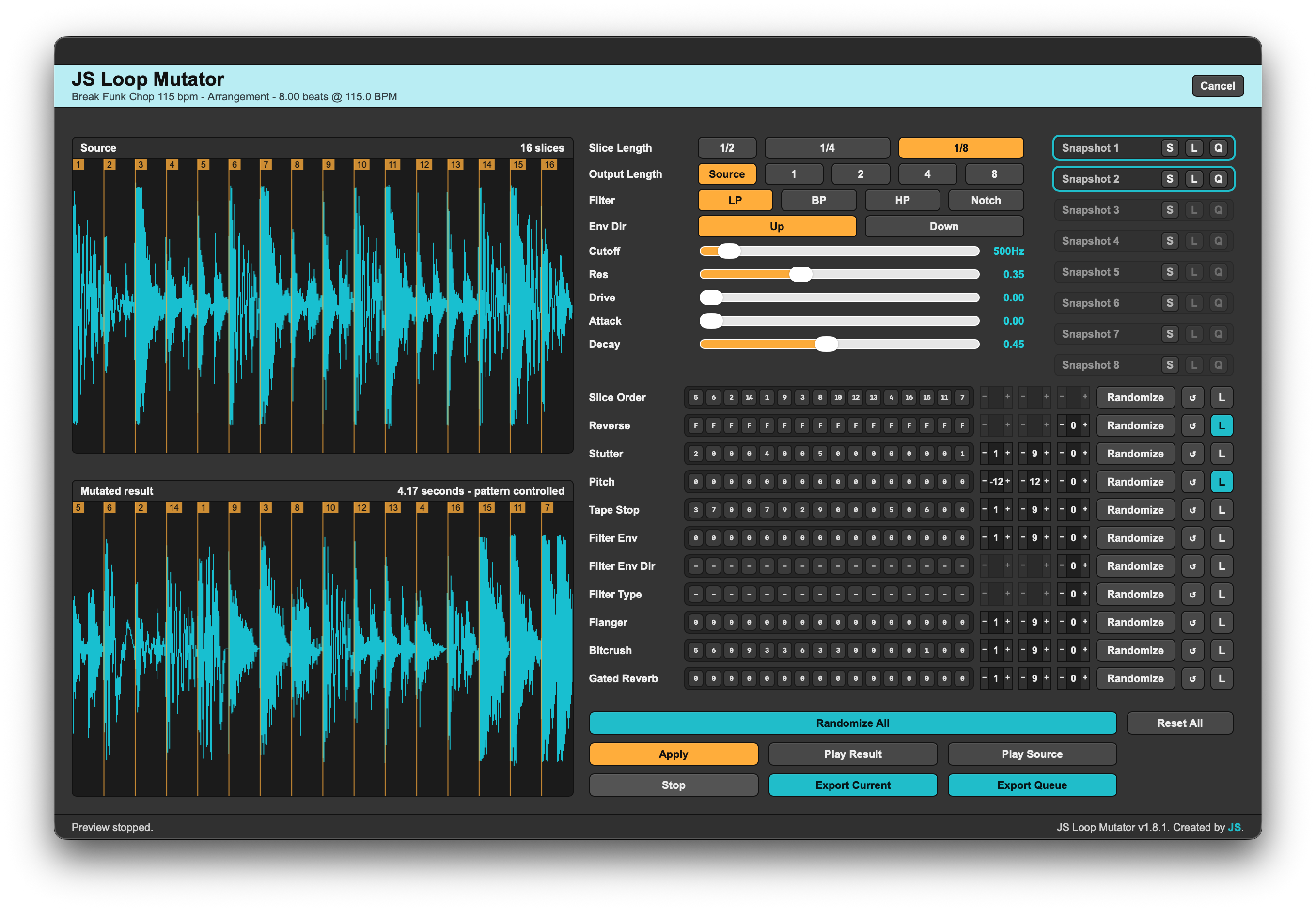
Pattern lanes give direct control over how each slice is played and processed. You can use the step-box display for quick editing, click a lane to type patterns manually, or use per-lane randomization controls to generate controlled variations.
Each lane includes per-lane randomize, reset, and lock controls. Numeric lanes also include Min, Max, and Freq controls for shaping randomization. Randomize All can generate a full variation while respecting each lane’s limits and locked state.
Version 1.8.0 expands the filter pattern system. The former Filter lane is now shown as Filter Env, and two new per-slice overlay lanes have been added: Filter Env Dir and Filter Type. Filter Env controls where the filter envelope is active, Filter Env Dir can force UP or DN per active filter step, and Filter Type can force LP, BP, HP, or Notch per active filter step. Both overlay lanes can fall back to the global filter settings when set to “-”.
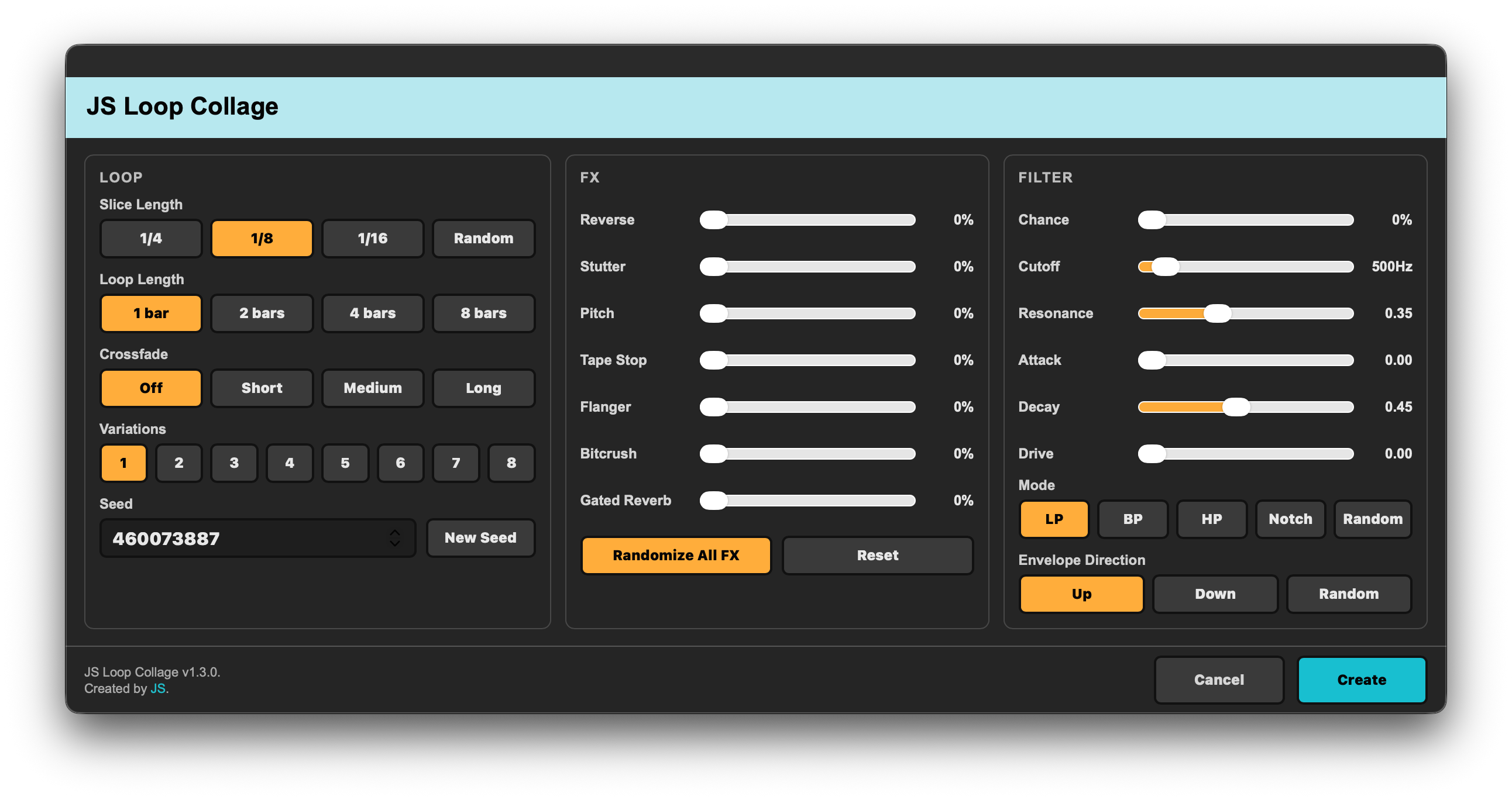
JS Loop Mutator includes slice order, reverse, stutter, pitch, tape stop, filter envelope, filter envelope direction, filter type, flanger, bitcrush, and gated reverb lanes. The filter section includes LP, BP, HP, and Notch modes with cutoff, resonance, drive, envelope direction, attack, and decay controls.
Source and result waveform previews, numbered slice markers, output length control, snapshots, queue export, and support for both Arrangement View and Session View clips are included.
A full user manual for JS Loop Mutator is included in the zip package.
Features
- Mutate audio clips into new loops inside Ableton Live
- Simple right-click workflow from an audio clip
- Works from both Arrangement View and Session View
- Source waveform and mutated result waveform
- Slice modes: 1/2, 1/4, and 1/8
- Output length control: Source, 1, 2, 4, or 8 bars
- Editable pattern lanes with step-box display
- Manual text-based pattern editing by clicking a pattern lane
- Pattern lanes for Slice Order, Reverse, Stutter, Pitch, Tape Stop, Filter Env, Filter Env Dir, Filter Type, Flanger, Bitcrush, and Gated Reverb
- Per-lane Randomize, Reset, and Lock buttons
- Min, Max, and Freq controls for numeric lane randomization
- Freq-based randomization for supported non-numeric lanes
- Randomize All and Reset All
- Randomize All respects each lane’s Min, Max, Freq, and Lock settings where applicable
- SVF filter modes: LP, BP, HP, and Notch
- Global filter cutoff, resonance, drive, envelope direction, attack, and decay controls
- Per-slice Filter Env lane for controlling filter envelope amount/depth
- Per-slice Filter Env Dir lane for forcing UP or DN on active filter envelope steps
- Per-slice Filter Type lane for forcing LP, BP, HP, or Notch on active filter envelope steps
- Filter Env Dir and Filter Type can use “-” to fall back to the global filter settings
- Filter Env Dir randomization follows the active Filter Env steps, so UP/DN values are only generated where a filter envelope is active
- Source and result waveform slice markers
- Numbered slice markers so you can see how slices move around
- Preview source and result
- Export current result
- Snapshot save, load, and queue workflow
- Export queued snapshots back into Live
- Full JS Loop Mutator user manual included in the zip package
- Original clip is left untouched